
Macro Space Blog
Read simple guides about installation, features, compatibility, troubleshooting, and practical Macro Space usage on Android devices.
Latest articles
Browse every published guide from our Macro Space editorial library.

How to Create Your First Macro in Macro Space Panel
Create your first macro in Macro Space Panel with a simple plan, one short sequence, careful timing checks, and a calm first test on Android for new users.
Macro Space Panel Settings Explained for Beginners
Understand Macro Space Panel settings as a beginner with a plain tour of the main groups, what each one changes, and a sensible order to learn on your phone.
How to Edit and Organise Macros in Macro Space Panel
Edit and organise your Macro Space Panel macros with safe change habits, clear names, tidy groups, and a review routine that keeps your library clean.
Macro Space Panel vs Manual Controls: What Actually Changes
Compare Macro Space Panel with manual controls honestly: what a macro repeats well, what your hands still do better, and how to mix both sensibly every day.

Best Macro Space Panel Setup for Daily Play
Build a Macro Space Panel setup for daily play with a stable baseline, a small trusted macro set, comfortable panel placement, and quick daily checks.
How to Test Macros Safely in Macro Space Panel
Test macros safely in Macro Space Panel with calm test spots, one-change checks, timing reviews, and a clear pass rule before any macro joins daily play.
Macro Space Panel Tips for Smoother Performance on Android
Make Macro Space Panel run smoother on Android with honest device checks, lighter sessions, sensible panel settings, and habits that prevent slowdowns.
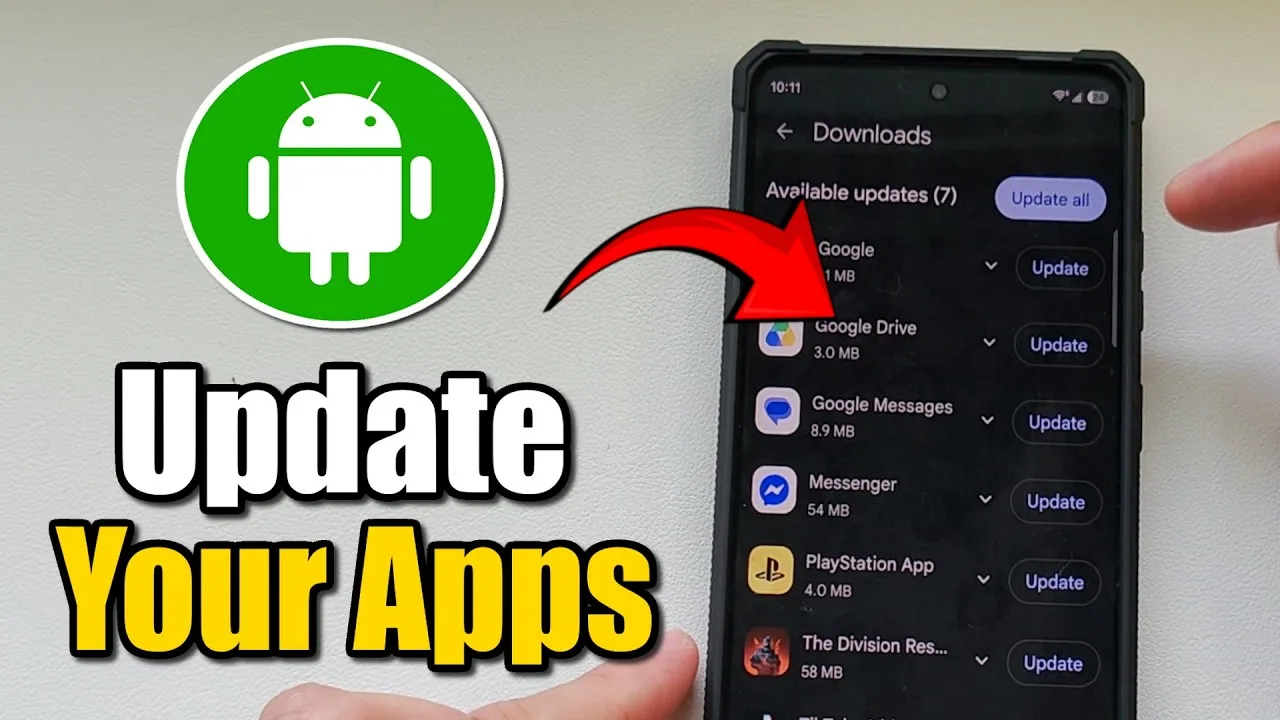
How to Update Macro Space Panel on Android
Update Macro Space Panel on Android in the right order: back up first, note your settings, install cleanly, and re-test your main macros afterwards with care.
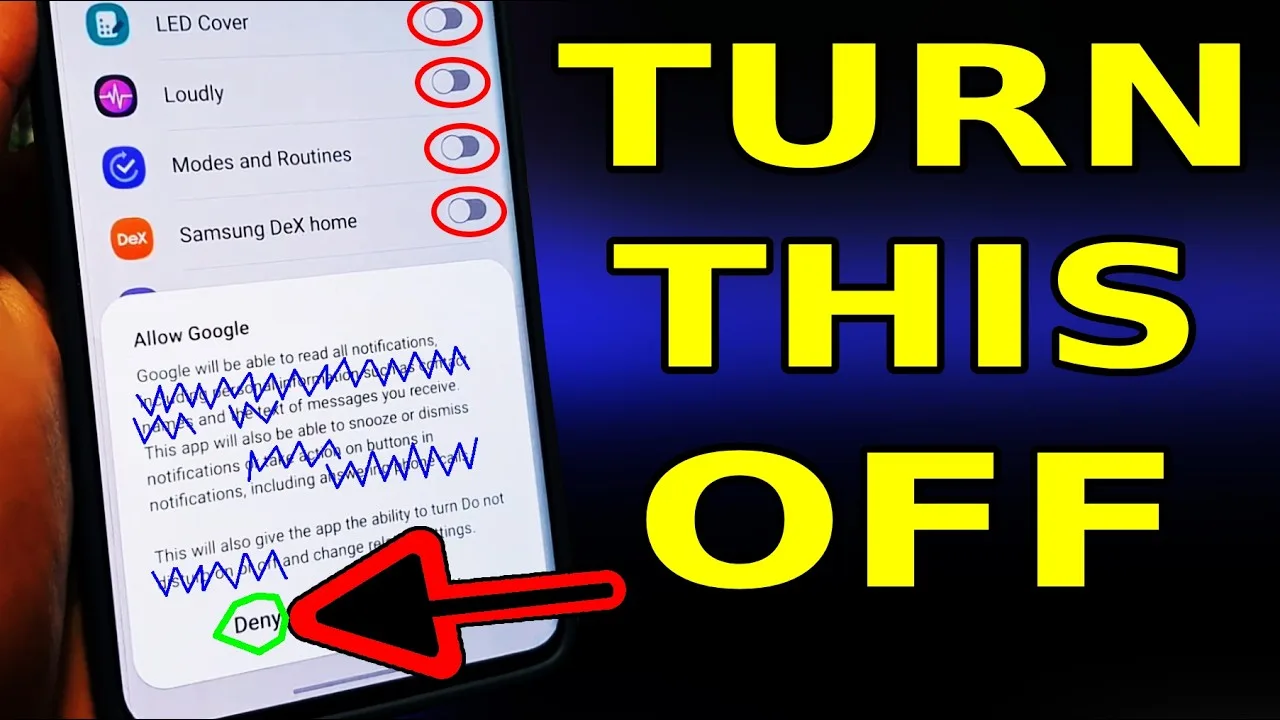
Macro Space Panel Permissions Explained for Android Users
Understand the permissions Macro Space Panel asks for on Android, what each one allows the app to do, how to review them, and how to change them safely.
Common Macro Mistakes to Avoid in Macro Space Panel
Avoid the common macro mistakes in Macro Space Panel: building too big, skipping tests, vague names, constant changes, and no backup of working versions.
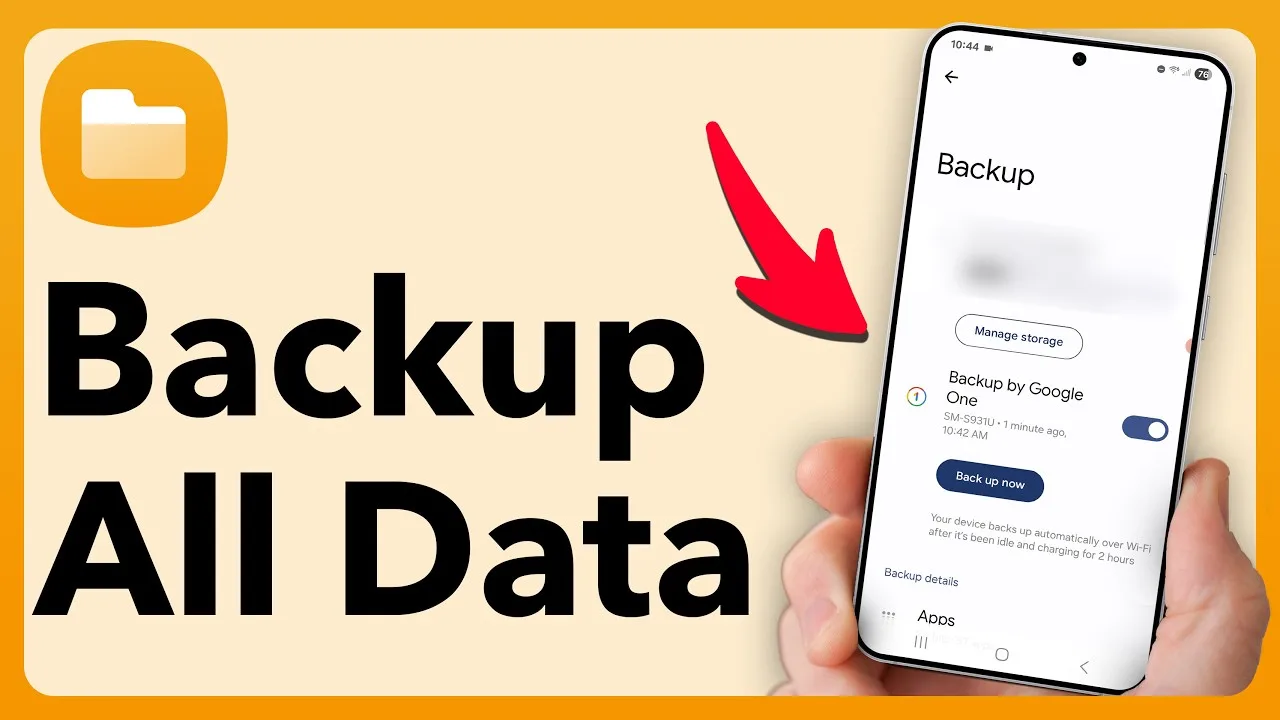
How to Back Up Your Macro Space Panel Macros
Back up your Macro Space Panel macros with a simple routine: export copies, store them in two places, note your settings, and test a restore once on Android.
Using Macro Space Panel on Tablets and Large Screens
Use Macro Space Panel well on tablets and large screens with placement that suits a bigger display, reach-friendly macros, and testing at real distance.
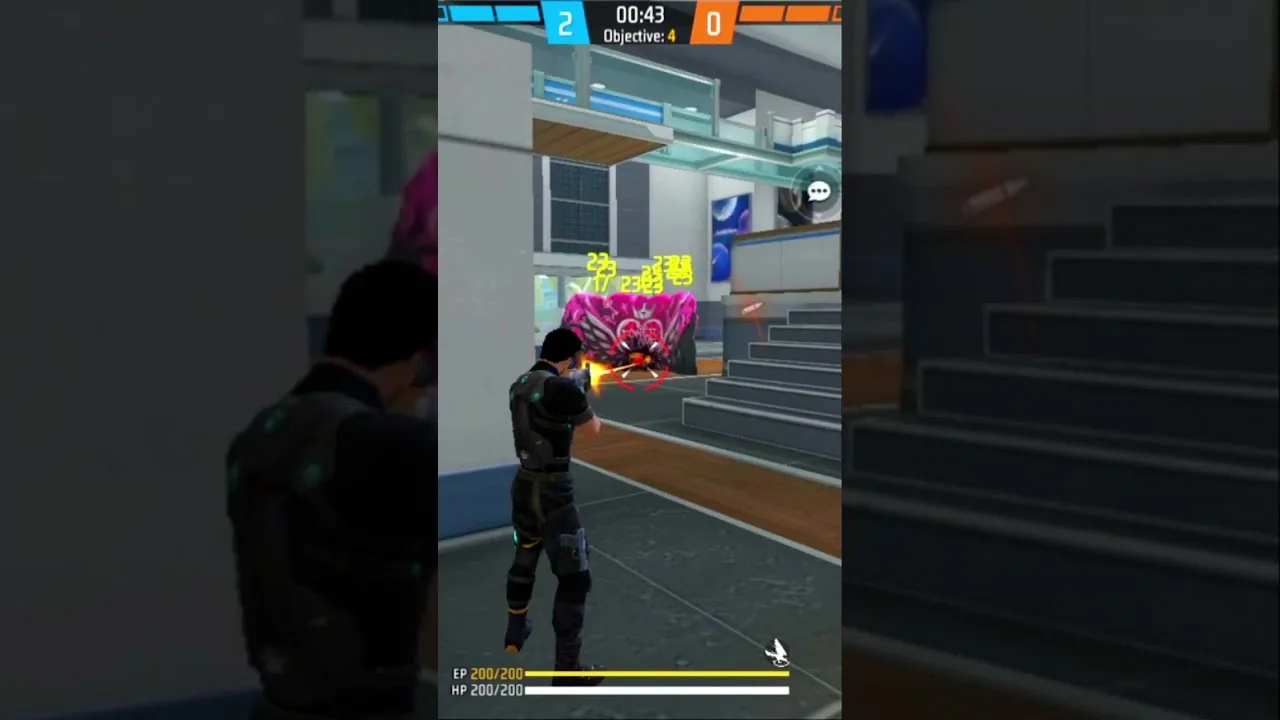
Macro Space Panel Beginner Workflow: From Setup to Daily Play
Follow a complete beginner workflow for Macro Space Panel: install calmly, learn the layout, build one macro, test it, and grow into a daily routine today.

Macro Space Panel FAQ: Common Questions Answered
Read clear answers to common Macro Space Panel questions about first macros, settings, permissions, updates, performance, backups, and daily use tips.

How to Install Macro Space on Android
Learn how to install Macro Space on Android phones and tablets with simple preparation steps, permission checks, and a safer setup routine.

Macro Space Features for Android Players
Explore the main Macro Space features for Android players, including control tuning, quick setup access, and practical performance-focused tools.
Macro Space Device Compatibility Guide
See which devices can usually run Macro Space, what to expect on phones and tablets, and why emulator support depends on setup conditions.

Macro Space Main Sections Explained
Understand the common Macro Space sections, what each area is usually for, and how users can review settings more confidently after installation.
Macro Space Not Working: Common Problems and Fixes
Fix common Macro Space problems on Android, including install issues, permission blocks, unstable behavior, and settings that need review.

Best Ways to Use Macro Space Effectively
Learn the best ways to use Macro Space effectively with gradual setup changes, cleaner testing habits, and a more practical Android routine.